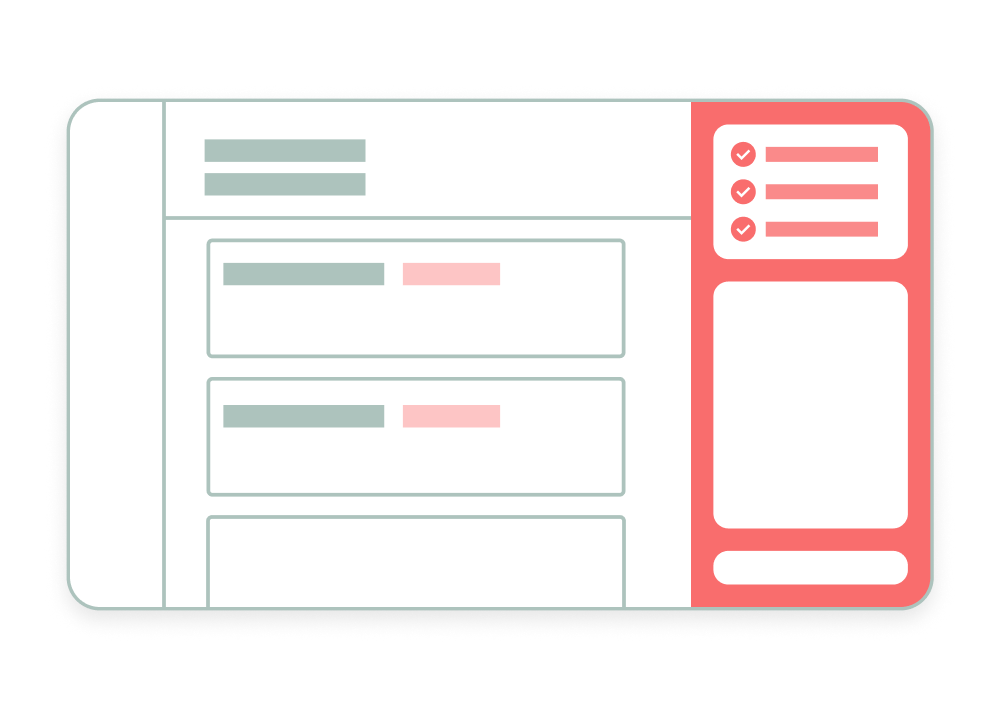
I designed AI-assisted experiences for onboarding and compliance workflows, focused on reducing manual effort without removing human judgement.FrankieOne’s Portal evolved from a system built around a single onboarding and monitoring workflow into a platform supporting multiple workflows across identity verification, fraud, and transaction monitoring.
Role: Product Design Lead
Scope: Operator experience, AI interaction design, workflow integration
The shift in problem space
Compliance is complex—but most of the work isn’t.
Operators spend their time:
Digging through audit logs
Jumping between systems
Figuring out what actually went wrong
Deciding what to do next
Figuring out how to convert business needs into automated workflows
The issue wasn’t lack of data. It was too much information, not enough clarity
Rethinking the role of AI
I wasn’t interested in “AI replacing operators.” That’s not how these systems work in reality, where risky decisions need human judgement for safety. So instead, I framed it as: AI as a second pair of eyes.
AI handles
Data gathering and analysis
Summarisation and insights
Pattern detection
Shortcuts for actions
Humans handle
Judgement
Validation
Accountability
So the system becomes:
AI does the work, you make the call.
Design principles
These guided how AI shows up in the product:
Auto-resolve with confidence
Low-risk work is handled automatically
Human-in-the-loop by default
Escalate only when needed
Explainable, always
Every output shows why
Context-aware
Adapts to who’s using it and what they’re doing
Actionable
Not just insight—clear next steps
Where AI fits
AI isn’t a feature, it’s part of the workflow. I designed it across three layers:
Understanding
Explain what happened, in plain language
Investigation
Surface signals and guide deeper analysis
Action
Suggest what to do next—and let you do it immediately
The goal: Reduce thinking overhead, not remove control.
Key experience patterns
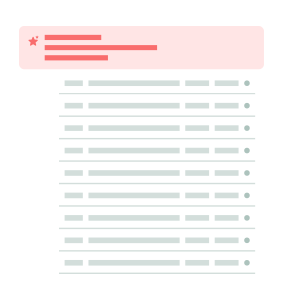
AI summaries instead of raw logs
Operators shouldn’t have to read audit logs to understand a failure. The AI would..
Explain what happened
Highlight what matters
Suggest what to do next
This turns a 5–10 minute task into something immediate.
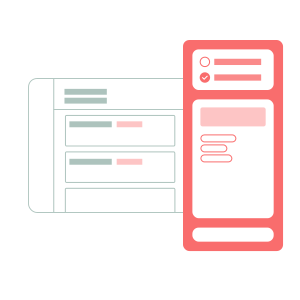
Copilot as a working surface
Instead of navigating across multiple screens, the Copilot brings the work to you.
Understand why something failed
Explore contributing factors
Take action directly
Shifting the experience from “where do I click?” → “what should I do?”
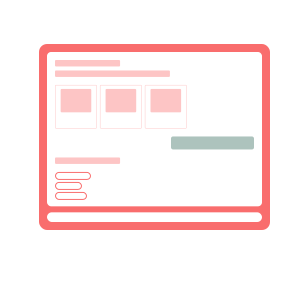
Guided investigations
For more complex cases, AI helps structure the work.
Surface relevant context
Suggest what to look into
Keep everything traceable
You’re still making the decision—but you’re not starting from scratch.
AI beyond execution
AI isn’t just for operators. It also helps teams...
Spot inefficiencies
Understand where workflows break
Improve how systems are configured over time
This turns AI into a system-level feedback loop
Validating the direction
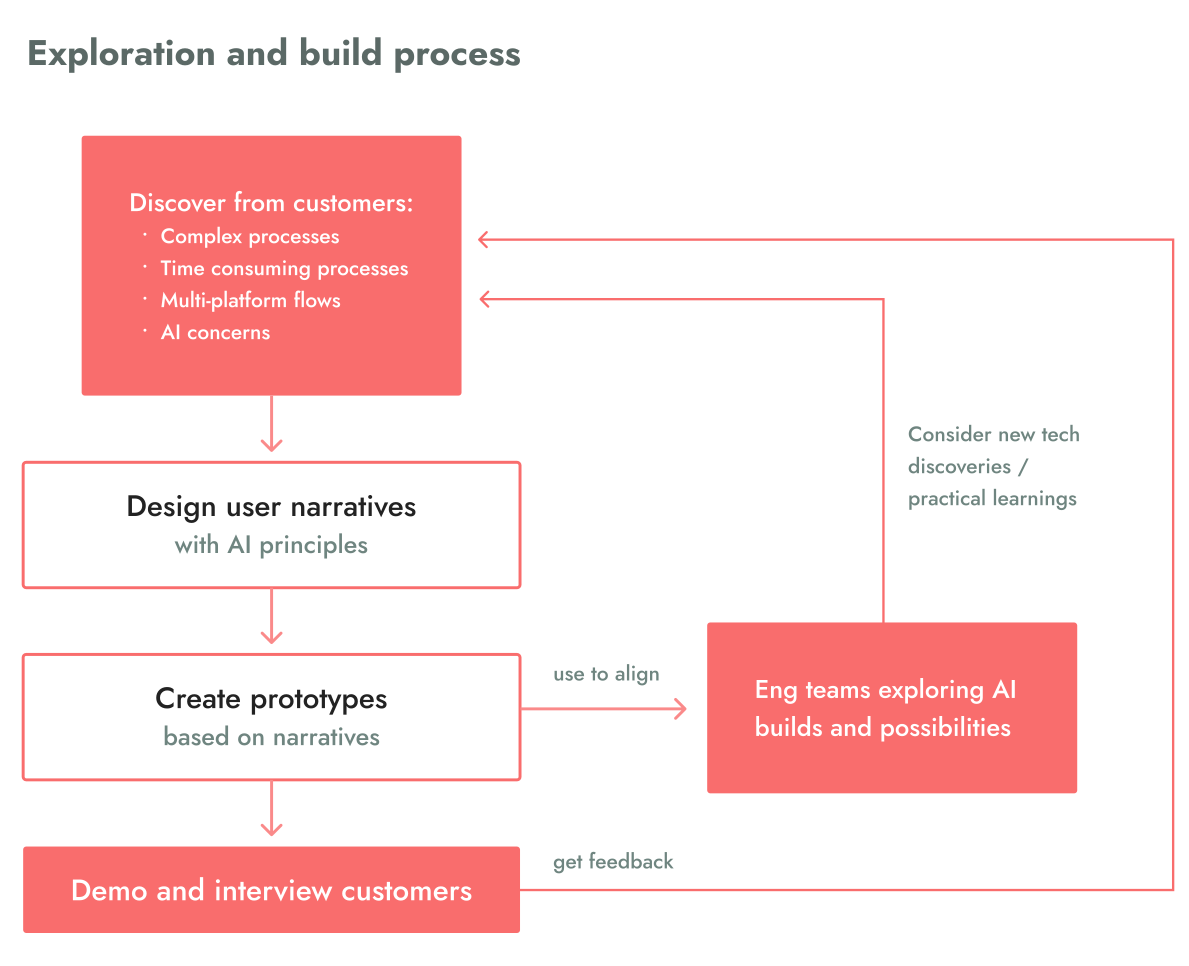
To explore and validate these ideas, I created experience prototypes and walkthroughs grounded in real operator scenarios.
These were used to:
Gauge customer interest and surface concerns early
Gather feedback on usability, trust and clarity
Test whether the approach aligned with real workflows
Align internal teams on how AI should show up in the product
At the same time, multiple teams across the company were exploring different AI tools and concepts in parallel.
These prototypes became a way to anchor those explorations—providing a clear reference for what a “copilot” experience should feel like in the context of compliance workflows.
This helped shift internal efforts from disconnected experimentation to more intentional, product-aligned exploration.
Using concrete scenarios moved conversations from abstract ideas about AI to practical questions around usage, trust and value—ensuring we were validating how AI fits into real operational workflows, not just whether it could exist.
Reflection
Designing AI in compliance isn’t about automation.
It's about reducing effort without removing responsibility
If you remove too much, you lose trust. If you add too little, nothing changes. The balance is the product.